Disclosure: We may earn a commission from links on this page. Learn more.
7z vs ZIP vs RAR: Choose the Right File Compression Format in 2026
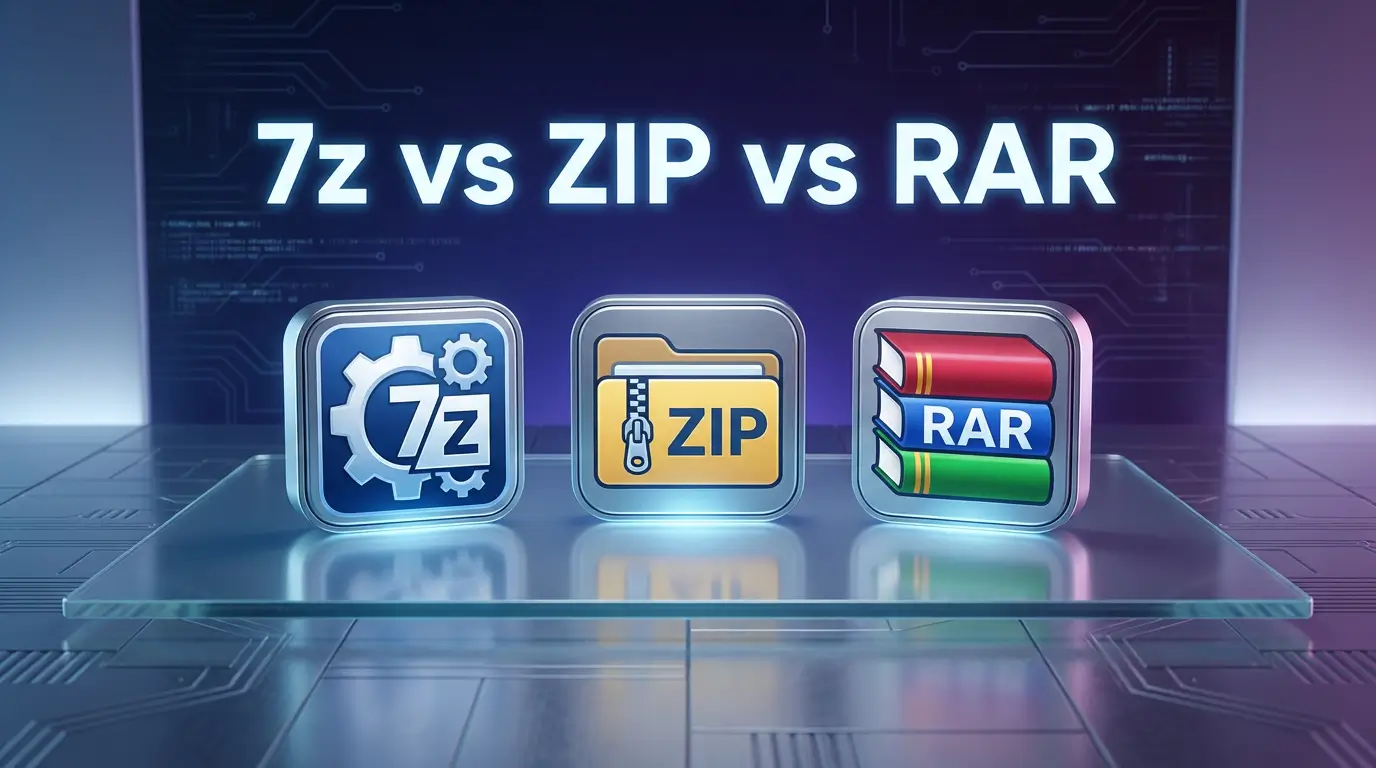
7z vs ZIP vs RAR is an easy choice to get wrong because most people pick whatever opens on their PC and move on. The problem shows up later when a file will not open on another device, an archive is still too large to email, or an upload fails after a long wait.
This guide for 2026 compares 7z, ZIP, and RAR, three of the most popular compression formats, so you can choose the right option for sharing, storage, and backups. If you also want a tool-by-tool shortlist, see the Best File Compression Software (2026 guide).
7z vs ZIP vs RAR: Understand Key Differences
ZIP is the easiest archive format for sharing because it opens on Windows and macOS without extra tools. Use it for email attachments, client handoffs, and mixed-device teams where a smooth workflow and convenient access matter more than the smallest file size most of the time today.
Choose 7z when file compression is the priority, especially for folders with lots of text files and small documents. Pick RAR when you want repair options or recovery records for important archives. In this format comparison, 7z can be slower, and recipients may need an extractor.
Compression Efficiency: Which Format Compresses Best in 2026?
7z vs RAR vs ZIP: 7z usually yields smaller archives and better compression for text/mixed data; ZIP is faster and more universal but less efficient.
Test Compression Ratios on Different File Types
To compare compression ratio, compress text files, images, video, and tar bundles with each format. 7z often gives smaller files for text files and mixed folders thanks to its compression method, while ZIP usually compresses faster but may leave larger archives.
How Compression Algorithms Affect File Size
Compression algorithms determine final file size and performance. 7z uses LZMA to optimize compression efficiency and reduce storage, gzip and zip use Deflate for speed, and rar uses proprietary methods, so the format choice affects space, decompression speed, and compatibility.
Speed And Performance: Which Format Is Fastest?
7z vs ZIP vs RAR: ZIP is often fastest with low CPU use, 7z often yields smaller archives but can be slower, and RAR usually sits in the middle depending on settings.
How CPU Usage Impacts Compression Speed
CPU usage changes how fast archives are made or opened. 7z is an open-source format developed to deliver superior compression and often uses more processor power to shrink files and save storage space. Zip uses less CPU for quicker results, while rar offers a middle ground that balances speed and useful compression for everyday tasks.
Improve Speed When Compressing Files
If your workflow feels slow, try these before switching archive format:
- Close heavy apps (browser tabs, editors, games) before compressing
- Use an SSD/NVMe drive if possible
- Choose a lower compression level for quick jobs
- Avoid compressing from slow external USB drives
- Split huge archives into smaller parts when sharing
Features And Support: Choose The Right Tool
Support, features, and platform compatibility shape which compression format you should use. ZIP is built into most operating systems and is convenient for sharing. 7z is commonly used through 7-Zip, while RAR is typically opened with WinRAR or other compatible extractors.
If you want a tool-by-tool shortlist (with more options than this format guide), see the Best File Compression Software (2026 guide). For 7z specifically, the 7-Zip review covers everyday usage and settings.
Encryption And Security Options
All three archive formats can support password protection, but encryption strength and behavior depend on the software you use and the settings you pick. For safer downloading and use, it helps to understand common extractor risks and best practices: Is 7-Zip safe? and Is WinRAR safe to use?.
Platform Support And Compatibility
ZIP files are widely supported and usually open without extra software on Windows and macOS. 7z is widely usable with 7-Zip or similar tools, but recipients may need an extractor installed. RAR often needs WinRAR or a compatible third-party tool, so it is less convenient for casual sharing.
Quick Pick: Choose The Right Compression Format In 30 Seconds
Use this quick checklist when you don’t want to overthink it:
- Choose ZIP if you need the most compatible, convenient sharing option.
- Choose 7z if file size matters most and you control the workflow.
- Choose RAR if repair/recovery features or multi-part archives matter.
“For backups I don’t touch often, I use 7z. For sending files, I stick to ZIP.”
Practical Format Comparison Table For ZIP, 7z, And RAR
| Format | Best for | Strengths | Weak points |
|---|---|---|---|
| ZIP | Sharing and compatibility | Opens almost everywhere, fast | Usually larger files |
| 7z | Smallest file size | Strong compression, good for storage | Can be slower, needs extractor |
| RAR | Feature-rich archives | Recovery options, solid compression | Proprietary, not built-in |
Consider your needs. If you want the best compression efficiency, choose 7z. If you want the easiest sharing, choose ZIP. If you want advanced archive features like recovery, consider RAR.
Choose The Right Compression Format For Your Needs
Pick the right compression format for your purpose: ZIP for sharing, 7z for smaller archives, or RAR for recovery features and large file transfers on Windows.
Scenarios Where 7z Excels
Use 7z when archiving large files for long-term storage. It’s also suitable for transferring files where size is a major concern. It’s ideal for backing up data that you don’t access frequently.
When ZIP Is the Better Choice
ZIP is the best option for sharing files with others because it’s so widely supported. If you’re emailing documents, sending files to clients, or sharing across different devices, ZIP reduces “I can’t open it” problems. It’s also a good fit when you want quick compression and fast extraction.
If you use ZIP tools often, it can help to compare lightweight options like Ashampoo ZIP Free review versus paid feature sets like Ashampoo ZIP Pro 4 review, depending on what you need.
Situations Where RAR Shines
Use RAR if you need error recovery to protect against data corruption. It’s a good choice for creating multi-volume archives. If you need advanced features, RAR can be the way to go. Check the official site for the latest limits and updates.
Conclusion
ZIP is usually the best choice when you care most about compatibility. If you’re sharing files with other people, emailing attachments, or moving files between devices, ZIP keeps things simple because it opens almost everywhere.
7z is a strong pick when your goal is smaller archives for storage and uploads. It often compresses mixed folders better than ZIP, but it may take longer to create archives at higher settings.
RAR is useful when you want extra archive features, especially recovery options. Among these popular compression formats, it can be the practical choice for important archives, as long as the person opening it has a compatible extractor.
FAQs
Q: What Are The Main Differences In This Format Comparison (7z vs ZIP vs RAR)?
A: This format comparison is simple. ZIP is the most widely supported archive format on Windows and macOS. 7z is open-source and often delivers the best compression. RAR is proprietary and commonly used with WinRAR.
Q: Which Format Delivers The Best File Compression For Text Files?
A: For file compression, 7z often delivers the best compression on text files and folders with many small documents. ZIP is usually faster and more convenient for sharing. RAR can compress well too, depending on settings and the tool.
Q: How Do Popular Compression Formats Compare For Image And Video?
A: Image and video files are usually already compressed (like JPG, PNG, MP4). Popular compression formats such as ZIP, 7z, and RAR often won’t shrink them much. You typically see bigger wins with text files and mixed folders.
Q: Are ZIP Files More Convenient For Sharing On Windows And macOS Than 7z Or RAR?
A: Yes. ZIP is convenient because most devices can open it without extra apps, including Windows and macOS. With zip vs 7z, 7z may give smaller files, but the receiver may need 7-Zip or another extractor. RAR also often needs a compatible app.
Q: Can I Convert An Archive Format From ZIP To 7z Or RAR Safely?
A: Usually, you convert by extracting the archive, then recompressing it into the new archive format. Direct one-click “convert” is not common across tools. Plan for temporary disk space because you may store extracted files during the workflow.
Q: Which Archive Option Has Better Repair For Corrupted Files?
A: RAR is often chosen when repair matters because WinRAR can use recovery records if they were included when the archive was created. ZIP has wide support, but repair features depend on the tool. 7z focuses more on compression than built-in repair.
Q: RAR vs ZIP: Which Is Better For Sharing And Compatibility?
A: RAR vs ZIP usually comes down to compatibility versus features. ZIP is easiest for sharing across devices and apps. RAR can be helpful for certain features (like recovery records), but it’s less universal and may require specific software to open.
Q: Which Format Is Best For Multiple Files In A Smooth Workflow?
A: All three can bundle multiple files and preserve folder structure. For a smooth workflow with mixed users and devices, ZIP is often the simplest choice. If you control both ends and want smaller size, zip vs 7z often favors 7z.
Q: Is 7z Widely Used, And What Is A 7z File?
A: Yes, 7z is widely used because 7-Zip is free and popular. A 7z file is an archive created using the 7z format, which supports strong compression and options like solid archives. This makes it useful for a comprehensive comparison where size matters most.
Further Reading
If you’re considering Wondershare PDFelement for editing PDFs, it also helps to know which tools are best for compressing large files and building a simple paperless workflow. These posts will help:
- Best File Compression Software (2026 guide)
- 7-Zip Review 2026: Is This Free File Archiver Any Good?
- Is PeaZip Safe? Review + How to Use PeaZip for Files
- Bandizip Review 2026: Is This Archiver the Best Choice?
- How to Transfer Files and Settings to a New Laptop
For more software reviews and buying advice, visit our Reviews category.