Disclosure: We may earn a commission from links on this page. Learn more.
IObit Malware Fighter vs Windows Defender Antivirus 2026: Which Protects Windows Better?
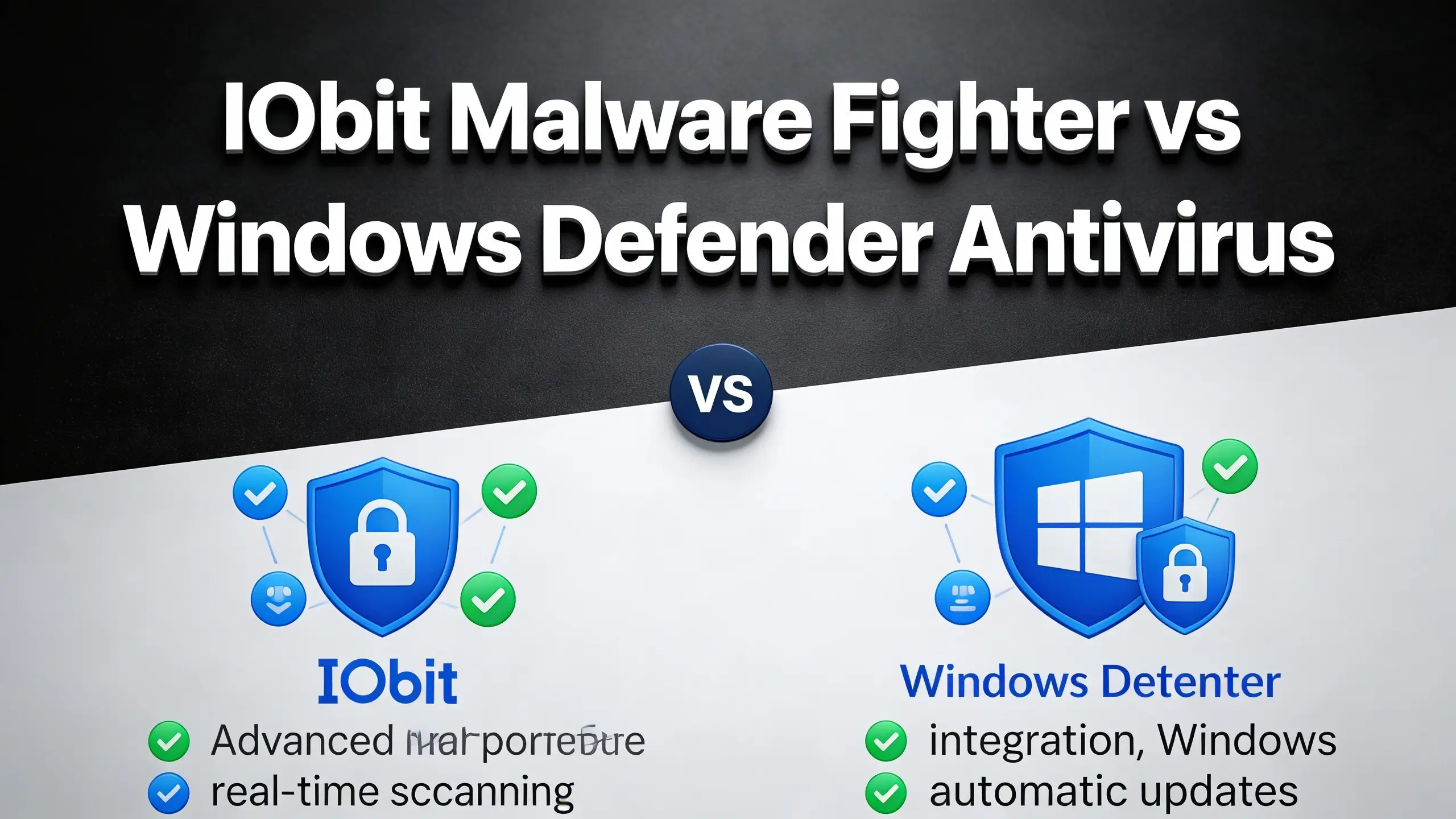
IObit Malware Fighter vs Windows Defender is easy to get wrong because both can look “active” at the same time. The risk is you think you are safer, but you actually create slowdowns, pop-ups, and false alarms.
A common mistake is comparing names instead of products. “Windows Defender” and “Microsoft Defender” can mean different things, and “Defender for Endpoint” is not the same as the built-in Windows antivirus.
This Microsoft Defender Antivirus comparison for 2026 breaks it down in plain language, so you can pick the safer setup for your PC and your habits.
IObit Malware Fighter vs Windows Defender: Overview And Quick Verdict
For most home users in 2026, Microsoft Defender Antivirus is the better default because it is already built into Windows, updates automatically, and provides solid real-time protection without extra clutter. If you keep Windows updated and leave key protections on, Defender is usually enough for everyday browsing and downloads.
IObit Malware Fighter can make sense as an extra layer if you want additional scanning or browser-focused protection, but it works best when you avoid overlap. The safest approach for most people is one real-time antivirus plus an occasional second-opinion scan.
Understand Defender Names Before You Compare
These names look similar, but they describe different products. This section helps you confirm what’s built-in, and what’s business-only.
Windows Defender vs Microsoft Defender Antivirus
Windows Defender is the old name people still use. On Windows 10 and 11, the built-in antivirus is Microsoft Defender Antivirus inside Windows Security. If it shows “On” with real-time protection, you already have baseline protection running today on a typical Windows PC.
Microsoft Defender for Endpoint: Who It’s For
Microsoft Defender for Endpoint is for organisations managing many PCs. It adds central policies, reporting, and response tools. If you protect one home PC, you are usually comparing IObit Malware Fighter with Microsoft Defender Antivirus, not the Endpoint service for most everyday users.
Microsoft Defender for Endpoint Comparison: What’s Different
Endpoint focuses on fleet-level visibility and incident response. Defender Antivirus focuses on one-device protection: real-time scanning, cloud checks, and Windows Security settings. Mixing them in one comparison confuses buyers, so separate “home” and “business” needs and keep things simple.
Compare Real-Time Protection And Antivirus Engines
Both tools can scan and block threats, but the way they run in the background matters. Compare how real-time protection, scans, and alerts behave.
Real-Time Protection: What Runs In The Background
Real-time protection watches files as you open, download, or run them, then blocks suspicious behaviour fast. Defender does this by default and is tightly integrated with Windows. Malware Fighter can add another layer, but two real-time engines may fight over files for most everyday users.
Antivirus Engine: Scan, Detection, And Blocking Basics
The antivirus engine powers quick scans, full scans, and the rules used to detect threats. Defender relies on cloud intelligence plus local signatures. Malware Fighter adds its own scanning routines and can flag PUPs. What matters most is low false alerts and smooth speed without slowing the system.
Anti-Malware Coverage: Malware Protection And Virus Risks
Modern threats include ransomware, password stealers, browser hijackers, and malicious installers. Defender covers the basics well for most users when updates are current. Malware Fighter may catch extra “bundled” items, but it can also create more prompts if tuned badly in daily real-world use.
Decide If Pro Upgrades Are Worth It
Paid plans can add layers, but they can also add noise. Use this section to decide if a Pro upgrade improves safety on your PC or just adds extras.
Free vs Pro: What You Actually Get
Defender Antivirus is included with Windows and gives real-time protection, cloud checks, and basic ransomware controls. IObit Malware Fighter Free is more limited and often acts as a second scanner. Pro upgrades usually add extra shields, auto-blocking, and fewer limits for most everyday users.
IObit Malware Fighter Pro: What Pro Adds
Malware Fighter Pro typically adds stronger browser protection, more frequent updates, and extra layers aimed at ransomware and spyware. It can also increase alerts and background activity. If you buy Pro, keep settings simple and avoid stacking it with other real-time suites in daily real-world use.
When Pro Features Are Not Worth It
A paid upgrade is not worth it if your PC is already protected by Defender, kept updated, and used with safe browsing habits. Extra layers can slow older PCs and raise false positives. Spend first on backups and updates, then decide if you still need Pro later and keep things simple.
Enable Ransomware And Phishing Protection First
Before installing more tools, turn on the protections that stop the most common attacks. These settings reduce risk faster than chasing “better” software.
Ransomware Protection: Settings That Matter
Enable ransomware protections you will actually use: controlled folder access if it fits, plus OneDrive or external backups, and Windows updates. No antivirus replaces backups. The best ransomware defence is having a clean, recent copy of your files you can restore quickly without adding extra clutter.
Phishing Attacks: Browser Shields And Fraudulent Pages
Phishing usually wins through fake login pages and “urgent” pop-ups, not clever viruses. Use a modern browser, keep SmartScreen and warning features on, and never install extensions from random prompts. Extra browser shields help only if they don’t flood you with false alarms in daily real-world use.
Avoid The Mistakes That Make You Less Safe
Most infections happen because of overlap, ignored warnings, or outdated apps. Fix these basics first so any antivirus you use actually works well.
Running Two Real-Time Engines: Why It Backfires
Two real-time antivirus tools can slow the PC, duplicate web filtering, and trigger false alerts when both lock the same file. The safer setup is one real-time engine, then an on-demand second opinion scan. If you insist on both, test carefully after every change without slowing the system.
Ignoring Updates And Default Protections
Many infections happen because Windows, browsers, or apps are outdated, or because warnings are ignored. Keep Windows Update on, leave Defender protections enabled, and avoid cracked installers. This simple habit often beats adding yet another security tool with noisy pop-ups for most everyday users.
Use Reviews And Reports Without Being Misled
Comparisons online can be biased or outdated. Here’s how to read “detection” talk safely and focus on what affects you: false alerts, speed, and nags.
Product Reports: How To Read Detection Claims Safely
If you read “detection” claims, check who tested, what sample set was used, and whether results are recent. Avoid articles that skip the method but push one download button. Use multiple independent sources, then judge with your own PC speed and alert quality on a typical Windows PC.
Featured Reviews: What To Trust And What To Ignore
Trust reviews that describe setup, false alerts, speed impact, and real-world use, not hype. Be cautious with “best antivirus” pages that repeat the same phrases across many brands. For your choice, weigh stability, update frequency, and how easy it is to disable nags for most everyday users.
Run A Quick Demo Checklist
If you are unsure, test both options on your PC for a few days. This checklist keeps the test fair and helps you spot conflicts early.
User Interface: Alerts, Scan Flow, And Ease Of Use
A good UI lets you run a quick scan, check quarantine, and understand what was blocked without panic. Defender is simple and built into Windows Security. Malware Fighter can feel busier with prompts. If alerts stress you out, pick the tool that stays quiet when safe and keep things simple.
Configure To Avoid Conflicts And Double Scanning
If you keep Defender as your main antivirus, use Malware Fighter as an on-demand scanner and disable overlapping real-time features. Avoid running two web shields and two file monitors at once. After changes, reboot and test downloads and installs to confirm stability in daily real-world use.
Pick The Best Choice For Your User Type
There is no one best antivirus for everyone. Use this section to match the tool to your habits, your PC speed, and whether you manage multiple devices.
Best For Beginners: Simple, User-Friendly Setup
Beginners usually do best with Microsoft Defender Antivirus because it is already on, updates automatically, and integrates with Windows. Pair it with safe browsing and backups. Add Malware Fighter only if you want occasional second-opinion scans and you can ignore marketing prompts for most everyday users.
Best For Power Users: More Control, Less Overlap
Power users can add Malware Fighter Pro if they want extra browser and PUP protection, but they should tune it to avoid duplicate shields. Keep one product as primary real-time protection, test exclusions carefully, and watch performance after updates to avoid sudden slowdowns without slowing the system.
Best For Small Teams: When Endpoint Makes Sense
If you manage multiple PCs at a business, Microsoft Defender for Endpoint can make sense for central policy and response. That is a different problem than home antivirus choice. Decide first whether you need management, then compare Endpoint plans against other business EDR tools for most everyday users.
Conclusion
If you want the simplest, safest setup in 2026, stick with Microsoft Defender Antivirus and keep Windows updates, safe browsing habits, and backups current. For most home users, that combination gives strong real-time protection without extra pop-ups or performance hits.
If you add IObit Malware Fighter, treat IObit Malware Fighter Pro as a second-opinion anti-malware scanner and run manual scans instead of two full real-time engines. This avoids conflicts, keeps your PC fast, and still adds an extra check for suspicious downloads and ransomware-style threats.
FAQs
Q: How Do I Compare IObit Malware Fighter And Defender Fairly In 2026?
A: Do the comparison between IObit Malware Fighter on the same PC with the same test files and settings. Check speed, false alerts, and whether it offers real-time protection during normal use.
Q: What Does Mindshare Comparison Tell Me About Security Software Choices?
A: A mindshare comparison shows the mindshare of IObit Malware Fighter and how widely it is talked about, not guaranteed results. Use it as a hint, then judge protection, noise, and stability on your own PC.
Q: Is An Interactive Demo Enough To Choose Between Two Antivirus Tools?
A: An interactive demo helps you understand the interface and basic controls, but it does not prove which antivirus solution blocks more threats. Use it to check usability, then test real scans.
Q: What Is Microsoft Defender For Endpoint And Who Needs It At Work 2026?
A: It is an endpoint protection platform used in companies for computer security, with a centralized management console. Endpoint is a cloud-delivered endpoint that provides advanced controls and provides detailed insights.
Q: Is Microsoft Defender ATP The Same As Defender For Endpoint In 2026?
A: Microsoft Defender ATP is the older name many people still search for. Today it is commonly referenced as Microsoft Defender for Endpoint based protection, within Microsoft security solutions.
Q: What Does Microsoft Defender XDR Add Inside Microsoft Security Suite?
A: Microsoft Defender XDR connects security signals across tools to spot bigger attacks and provides advanced response options. It is used more in the Microsoft security suite for larger environments.
Q: Can I Use Malware Fighter Pro With Defender Without Real-Time Conflicts?
A: Yes, if you avoid overlap. Use Fighter 10 Pro and Microsoft Defender with one main real-time engine, and run the other as a manual anti-malware scan. This reduces conflicts and performance issues.
Further Reading
If you’re comparing real-time protection and PC impact, these related reads help you decide faster:
- Best Antivirus That Doesn’t Slow Down Your Computer
- IObit Malware Fighter Review
- IObit Malware Fighter vs Malwarebytes
- Best Kaspersky Alternatives
- Glary Utilities Pro vs Advanced SystemCare
For more everyday software fixes, start with Software & Apps and continue in our Security subcategory for safer PC habits.