Disclosure: We may earn a commission from links on this page. Learn more.
iolo System Mechanic Review 2026: Is It Worth It for PC Speed?
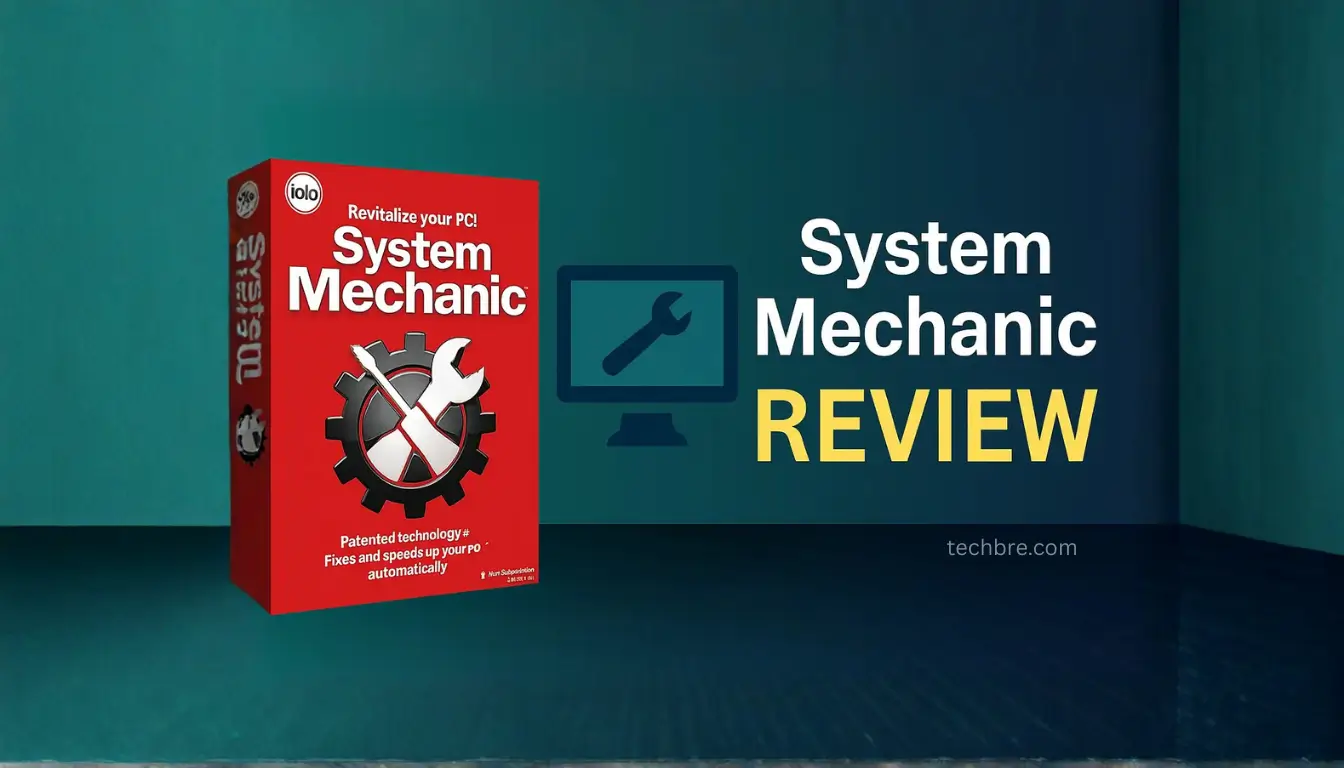
iolo System Mechanic review 2026 matters if your Windows PC feels slow, takes longer to start, or keeps filling up with clutter that you don’t have time to clean every week.
A common mistake is trusting free “PC cleaner” tools or stacking multiple tune-up apps. That often adds more background load and gives mixed results.
This iolo System Mechanic review for 2026 explains what the software does well, where it falls short, and whether it’s worth the investment for real PC performance improvements on Windows 10 and Windows 11.
iolo System Mechanic is a PC optimization tool that deletes junk files, manages startup programs, and automates maintenance to keep your system running smoother. It won’t fix hardware limits like an old hard drive or low RAM, so results depend on your PC’s condition.
iolo System Mechanic focuses on cleanup tools, startup control, and automated maintenance for everyday users, with extra protection features depending on the edition. In the sections below, you’ll see how it works and who it fits best.
iolo System Mechanic Review 2026: What This PC Optimizer Does
What is iolo System Mechanic?
iolo System Mechanic is a software suite designed to clean up and optimize Windows PCs, aiming to improve system performance and increase speed. With over 100 million downloads worldwide, it specializes in system performance optimization and automated computer maintenance, delivering PC performance software solutions to boost performance and efficiency.
How does iolo System Mechanic work?
Here are some of the features that iolo System Mechanic uses to keep your PC running smoothly:
- Smart ActiveCare leverages AI to identify and resolve PC performance problems during idle periods.
- LiveBoost dynamically enhances the speed and accessibility of CPU, RAM, and hard drive resources.
Additionally, the NetBooster feature fine-tunes Windows internet settings to accelerate download speeds.
It involves reviewing the security of the user’s connection. Smart ActiveCare automatically finds and fixes more than 30,000 different issues and reviews security before proceeding, boosting performance.
Limitations of iolo System Mechanic
While iolo System Mechanic offers numerous benefits, it has limitations. The user interface may not be intuitive for all users. Also, the requirement to submit an email address to use a trial can be a drawback. Some users have reported issues with automatic renewals and customer service responsiveness.
Key Features for Everyday Windows Users
Cleanup Tools in System Mechanic
System Mechanic includes robust cleanup tools that target over 50 types of junk files. It removes bloatware and boosts system start-up times. Deepclean is designed to handle network, browser, operating system, registry, security, and RAM issues. The software can detect and handle 50 different types of junk data.
It scans your PC relatively quickly and safely wipes sensitive browsing history. By efficiently deleting junk files and managing temporary data, iolo System Mechanic helps maintain optimal PC performance.
Startup Control in System Mechanic
The startup programs tool in iolo System Mechanic helps you find software that is running without your knowledge. It blocks bloatware at startup to accelerate boot time, speed up your computer, and improve system performance. System Mechanic finds unwanted files and startup programs that slow you down.
Automated Maintenance in System Mechanic
Smart ActiveCare automatically scans and fixes PC performance issues, automating maintenance with artificial intelligence.
This AI-powered PC Care conveniently schedules repairs when your PC is idle. This proactive approach ensures that your system is regularly optimized, helping to maintain consistent PC performance.
Real-Time Protection and Plan Comparisons
System Mechanic plan differences for antivirus and anti-malware
Iolo System Mechanic Ultimate Defense and its different versions provide varying levels of protection. System Mechanic Pro includes antivirus software with Real-Time Protection, System Shield, and Malware Killer, enhancing overall system performance.
Upgrading to Iolo System Mechanic Ultimate Defense adds Privacy and Password Manager tools for additional security.
System Mechanic plan comparison table
Here’s a breakdown of the features available across different System Mechanic versions. The features are progressively enhanced as you move to higher-tier products:
- System Mechanic includes Smart ActiveCare and DeepClean features, along with 24/7 support, to boost performance.
- System Mechanic Pro includes all features of System Mechanic, plus antivirus software with Real-Time Protection, System Shield, and Malware Killer.
- Iolo System Mechanic Ultimate Defense includes all features of System Mechanic Pro, plus Custom Protection Tiers, Digital Fingerprinting Protection, and ByePass License Browser Extensions.
| Feature | System Mechanic | System Mechanic Pro | Ultimate Defense |
|---|---|---|---|
| Smart ActiveCare | Yes | Yes | Yes |
| DeepClean | Yes | Yes | Yes |
| Antivirus Software | No | Yes | Yes |
| Real-Time Protection | No | Yes | Yes |
| Privacy and Password Manager | No | No | Yes |
System Mechanic pros vs cons table
Iolo System Mechanic Ultimate Defense offers a good collection of cleaning and optimization tools and an impressive network clean-up tool, which contributes to improved PC performance. However, the user interface lacks intuition, and the software collects your email address on activation. Despite its benefits, these downsides may deter some users.
| Pros | Cons |
|---|---|
| A good collection of cleaning and optimization tools | User interface lacks intuition |
| Impressive network clean-up tool | Collects your email address on activation |
Practical Tips and Real-World Scenarios
Simple Tips to Enhance Performance
To maintain optimal PC performance, ensure that Iolo System Mechanic is regularly scheduled to run. The NetBooster feature can enhance internet speed, while the cleanup tools assist in deleting junk files. Leveraging these features ensures that your system operates smoothly.
With System Mechanic, you can boost speed, repair automatically, and protect your privacy and security. It unleashes internet speed, boosting performance.
Real-World Usage Scenarios
Imagine your computer slows down significantly. System Mechanic can help identify and fix a number of issues, including:
- Not having enough disk space.
- Too many startup programs.
Beyond this, deleting junk files and optimizing startup processes can restore system performance.
Who Should Use System Mechanic?
Ideal Users
Iolo System Mechanic Ultimate Defense is ideal for users seeking automated PC performance care. It is suited to those who want a hands-off approach to maintaining their computer’s speed and stability. By automating tasks like defragging and deleting junk files, it simplifies system performance optimization for non-technical users, ensuring consistent PC performance.
Who Should Skip It?
Users who are comfortable with manual system maintenance and optimization may not find Iolo System Mechanic Ultimate Defense necessary. Those who prefer more control over each aspect of their system’s performance might find the automated features limiting. Additionally, users with high-end systems that already perform well may not see a significant benefit.
Conclusion: iolo System Mechanic Review 2026 verdict
iolo System Mechanic review 2026 comes down to one thing: do you need a simple PC optimization tool that keeps Windows clean and fast without constant tweaking.
If your PC has clutter, too many startup apps and services, and slow boot times on Windows 10 or Windows 11, System Mechanic can be a practical PC tune-up utility for steady improvement.
If your slowdown is hardware-related (old hard disk, weak processor, low RAM, or GPU limits for PC gaming), no tuneup software will fix that, so upgrades matter more than any subscription.
Before you buy, compare the three versions, confirm the number of computers covered, and check if you need antivirus and anti-malware with real time protection or only performance optimization.
If you want a cleaner alternative to basic tools, System Mechanic can fit, but if you already use AVG TuneUp or Ashampoo WinOptimizer, choose based on price, discount offers, and the features you’ll actually use.
Frequently Asked Questions
Q: Is iolo System Mechanic antivirus or just optimization?
A: iolo System Mechanic is mainly an optimization and PC tune-up tool for everyday pc’s. Antivirus and anti-malware features depend on the plan, so check if real time protection is included.
Q: Does iolo System Mechanic work on Windows 10 and Windows 11?
A: Yes, System Mechanic is available for Windows 10 and Windows 11 on most pc’s. Results depend on your processor, storage (SSD vs hard disk), and how much clutter is on the system.
Q: Is there a free version or free trial of System Mechanic?
A: iolo may offer a free trial or a limited free version depending on the current deal. Since it’s a subscription, confirm renewal terms and any discount before checkout.
Q: Is System Mechanic good for gaming and PC gaming performance?
A: It can help PC gaming by reducing unwanted programs and background apps and services on pc’s. It won’t change GPU limits, but it may reduce lag caused by heavy running programs.
Q: What is iolo System Mechanic Pro and how is it different from three versions?
A: iolo sells three versions, and iolo System Mechanic Pro is usually the middle option with more tools. Always check the number of computers covered and what security features are included.
Q: Does System Mechanic include a password manager?
A: Some iolo bundles include a password manager as part of the larger package. If you already use a password manager, you can focus on the optimization features and skip extra add-ons.
Q: What does a quick scan clean and optimize on a PC?
A: A quick scan targets clutter, unwanted programs, and some registry entries that slow startup on pc’s. For best optimization, keep Windows up-to-date and use a stable internet connection.