Disclosure: We may earn a commission from links on this page. Learn more.
Online Dating Safety Checklist (2026): Privacy, Scams, Location, Photos
This online dating safety checklist covers privacy settings, common scam signs, location and photo protection, and practical first-meet tips for safer dating app use in 2026.
Use it when you set up a new profile, start chatting with a new match, or plan your first meetup. Small steps like using in-app messaging, limiting location access, and spotting money requests early can prevent most romance scams.
Privacy Settings Checklist
- Create a separate email for dating apps and use a password manager for unique, strong passwords.
- Turn on two-factor authentication (2FA) for the dating app and your email account.
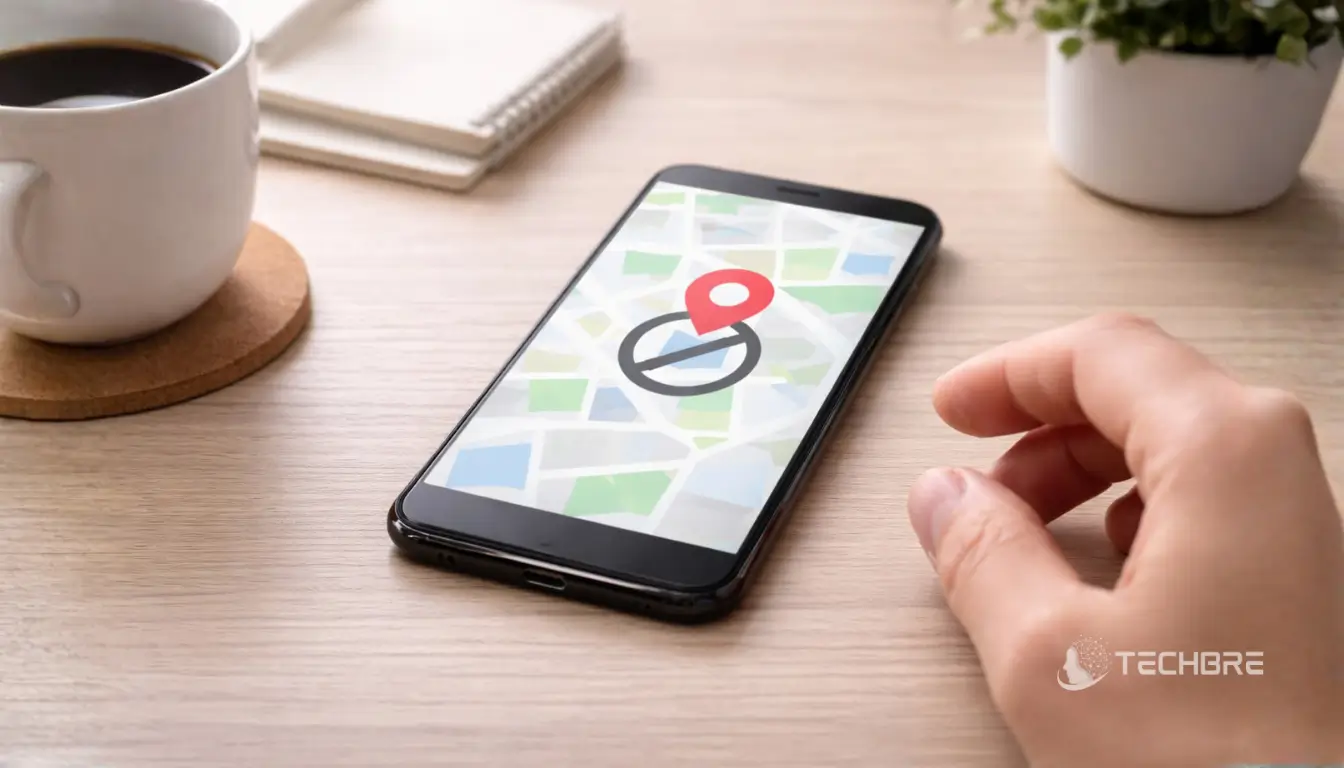
- Review permissions and disable location access unless you truly need it.
- Turn off contact access unless it is required for the app to work properly.
- Limit profile visibility when the app supports it (for example, verified users only).
- Avoid linking social accounts publicly. Share only when you trust the person.
- Remove personal identifiers from your profile: full name, workplace, home address, exact birthday, and phone number.
- Audit connected services and revoke access for anything you no longer use.
Scam Signs And Red Flags
- Any request for money, gifts, cryptocurrency, or “help with fees” is a block-and-report signal.
- Love bombing, guilt, or pressure to move off the app quickly to SMS, WhatsApp, or email.
- Vague details about their job or life, or stories that keep changing.
- Refusing a video call or always delaying a meetup with excuses.
- Poor writing mixed with claims of high status or wealth can be scripted.
- Few photos, only model-style images, or photos that look stolen. Do a reverse-image search.
- Asking you to keep the relationship secret or hide chats from friends and family.
Location Safety And Meeting Planning
- Meet in public, well-lit places for a first date (busy café, restaurant, daytime park).
- Share your plan with a trusted person: time, place, and a profile link or screenshot.
- Avoid sharing live location with a new match. Use it only with trusted contacts.
- Use your own transport. Do not accept pick-ups until trust is earned.
- Set a check-in time and a simple code word with a friend.
- If something feels wrong, leave. If you feel threatened, contact local emergency services.
Photo Protection And Identity Safety
- Avoid photos that reveal home interiors, street signs, license plates, or family members.
- Do not share intimate images. Sextortion scams often start this way.
- If you share photos outside the app, crop them and remove extra details.
- Reverse-image search profile photos (Google or TinEye) if anything feels off.
- Ask for a quick video call or a recent selfie before meeting or sharing more personal info.
- Be cautious of deepfakes. Watch for odd blinking, lighting glitches, or audio that does not match.
First Meet And Conversation Safety Tips
- Keep the first meetup short and public. Daytime is often safer.
- Set boundaries early and keep personal details minimal.
- Do not share your home or work address, routine, or financial information.
- Use in-app messaging first so the platform can help if something goes wrong.
- If you feel pressured or manipulated, end the chat or date and block/report the user.
- Report harassment, stalking, or threats to the app and to local authorities when needed.
Additional Security Actions
- Use block and report tools quickly when you see suspicious behaviour.
- Keep your phone and apps updated, and use a screen lock and device encryption if available.
- Learn common scam templates: romance-for-money, fake emergencies, and “investment” offers.
- If you use background checks, use reputable services and only when you plan continued in-person contact.
What To Do If You Think You’re Being Scammed
- Stop contact, block the account, and report it in the app.
- Save evidence: screenshots, usernames, phone numbers, payment requests, and wallet addresses.
- If you sent money, contact your bank or payment service immediately and ask about reversing or flagging the transfer.
- Change passwords and enable 2FA on email and key accounts if you shared any details or clicked links.
- Tell a trusted friend or family member so you are not handling it alone.
Use this online dating safety checklist each time you create a new profile or plan a first meetup. Staying alert and using app safety features reduces risk and helps protect your personal information.
Conclusion
Use the online dating safety checklist every time you meet someone new: verify profiles, protect personal info, video-call before meeting, tell a friend your plans, and trust your instincts to spot red flags early.
Prioritize safety without losing openness: set clear boundaries, meet in public places, arrange your own transportation, and report suspicious behavior. Staying cautious keeps dating positive and minimizes risk.
If you’re in Pakistan and want stronger account protection tools, browse online privacy and password software in Pakistan on BreTech.
FAQs
How do I spot an online dating scammer fast?
If someone asks for money, gift cards, crypto, or “urgent help,” that’s a red flag. Also watch for pressure to move off the dating app quickly, or refusal to video chat. Do a reverse image search on their profile photos and block/report if anything feels fake.
Is it safe to meet in person from a dating app?
It can be safe if you plan it well. Meet in a public place, tell a friend your date, and arrange your own transport. Don’t share your home address, and trust your instincts if the person acts pushy or strange.
Should I share my location on online dating apps?
In most cases, avoid sharing your location with someone online. Turn off precise location in app permissions unless you really need it. It’s a good idea to share location only with trusted contacts, not a stranger from dating platforms.
What information should I not put on my dating profile?
Avoid personal or financial information like your full name, workplace, home address, exact birthday, and phone number. Keep social media profiles private, and don’t link social media accounts publicly. This helps you stay safe and reduces identity risk.
How can I check if someone is catfishing?
Ask for a quick video call or a recent selfie, and look for consistent details in their messages. Use reverse image search to see if their photos appear elsewhere online. If they avoid live proof or keep changing their story, it’s a good idea to stop.
What should I do if someone sends me a link or asks for a code?
Be careful. Many online dating scams use phishing links to steal logins or payment details. Do not click unknown links, do not share verification codes, and don’t enter card details for a “ticket” or “delivery” story. Block and report the account.
Can scammers use my photos or voice from online dating?
Yes, sometimes. Avoid sending intimate photos, and limit images that reveal your home or family. If you share media, crop personal details and keep it minimal. For extra privacy and safety, don’t send long voice notes to a stranger until trust is earned.
Further Reading
- Best Free Password Managers in 2026 for Everyday Users
- Password Manager for Couples in 2026: Share Safely
- Best Offline Password Managers in 2026: Top Picks
- Best VPN for Multiple Devices in 2026: Family Plans
- Best VPNs for Streaming Sports in 2026
Explore more guides: Security and VPN & Privacy