Disclosure: We may earn a commission from links on this page. Learn more.
Password Manager for Couples (2026): Shared Vaults, 2FA, Passkeys
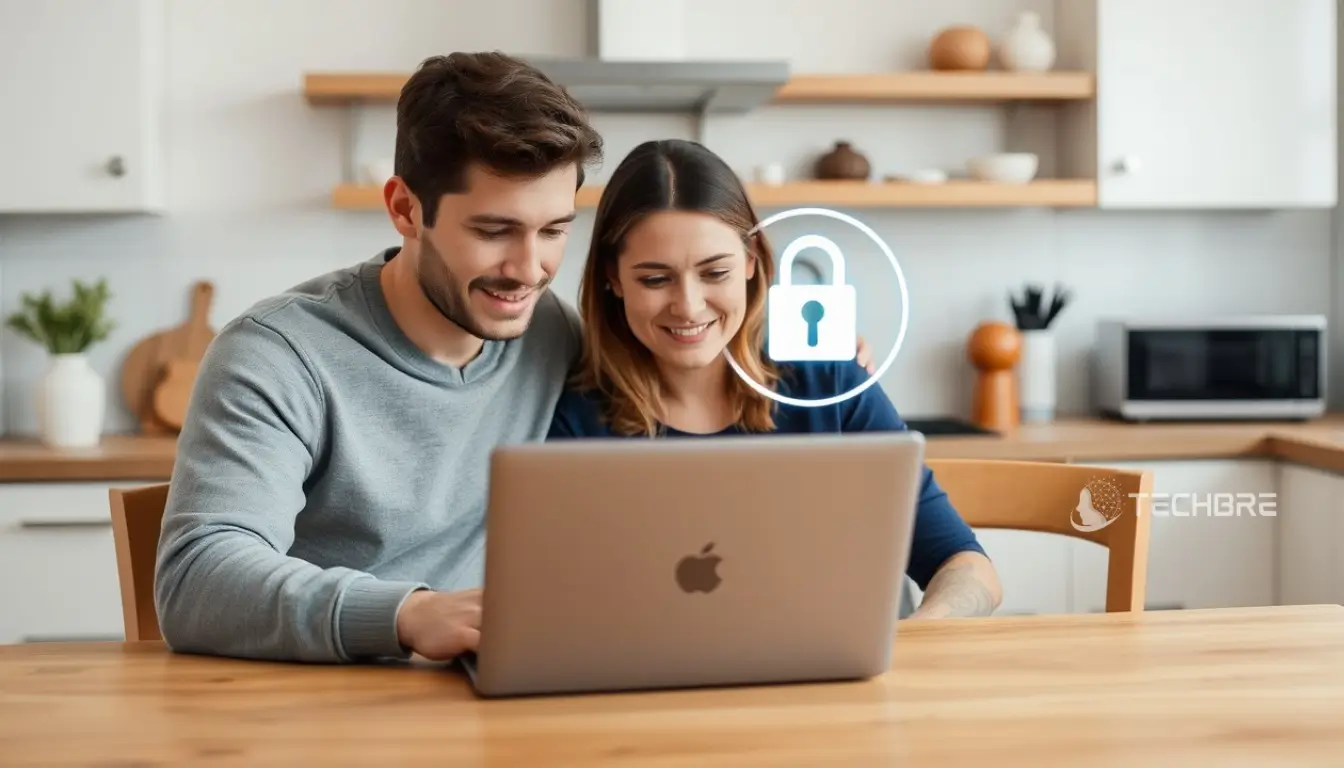
Password manager for couples is the safest way to share logins for streaming, bills, travel, and smart home apps without sending passwords on WhatsApp, email, or screenshots. When you rely on quick sharing, you often end up reusing the same password or losing track of which login is current.
A common mistake is using one shared account or sharing the master password, which can cause lockouts and removes privacy. It also makes it harder to revoke access later if a phone is lost or your situation changes.
This guide shows how to pick a couples-friendly password manager with shared vaults, safe password sharing, emergency access, 2FA, and passkeys, plus a simple setup you can follow in 2026.
Introduction to Password Managers for Couples
What Is a Password Manager?
A password manager is a secure digital vault, an app that stores your passwords and secure notes in encrypted form. It can also generate strong, unique passwords, so you do not have to remember every login, only one master password.
Why Couples Need a Password Manager
For couples, a password manager is the safest way to share logins for streaming services, bills, travel, and household accounts while keeping personal accounts private. It reduces risky sharing, improves password health, and makes it easier to manage access over time.
Overview of Shared Vaults and Emergency Access
Think of shared vaults as a folder you both can access for joint accounts. Emergency access helps a trusted partner regain access if a phone is lost or someone becomes unavailable.
| Feature | Description |
|---|---|
| Shared Vaults | A shared space for joint logins, separate from private vaults for personal accounts. |
| Emergency Access | A way for a trusted partner to request access during an emergency, usually with a waiting period. |
Features to Look for in the Best Password Managers for Couples
Secure Password Sharing Options
Safe password sharing should happen inside the app using encrypted sharing. Avoid sending passwords over WhatsApp, email, or text. Look for account-to-account sharing and permissions so you can control what your partner can view or edit.
Two-Factor Authentication (2FA) Benefits
Two-factor authentication (2FA) adds a second layer of protection. Even if someone gets the master password, they still need a second factor, such as an authenticator code or a security key, to open the vault.
Passkeys and Their Role in Security
Passkeys are becoming more common and are phishing-resistant compared to typed passwords. For couples, the key is planning for device changes and recovery, because some services tie passkeys to a device or account ecosystem.
How to Choose the Best Password Manager for Couples
Evaluating Security and Sharing Features
Focus on features that matter for two people:
- Shared vaults or shared folders
- Item-level sharing (share one login without exposing everything)
- Permissions (view-only vs edit/admin)
- Emergency access or trusted contact recovery
- 2FA support (authenticator apps, and ideally security keys)
- Passkeys support where available
- Cross-platform support (iPhone, Android, desktop, browser extensions)
Ease of Use and Daily Convenience
The best password manager should be simple enough that both partners actually use it. If it feels confusing, people fall back to unsafe habits like reusing the same password or saving logins in notes.
Couples Plans vs Individual Plans
Most couples do best with two separate accounts and a shared vault. Sharing one account can cause lockouts and reduces privacy.
| Plan Type | Best For |
|---|---|
| Two-user or family-style plan | Two separate accounts with shared vaults, permissions, and recovery options. |
| Individual plan | One person only, with limited sharing. |
Best Practices for Password Management in Couples
Avoid Common Mistakes: Don’t Reuse the Same Password
Reusing the same password across accounts is one of the biggest risks. If one account is compromised, others can fall too. Use the password generator to create unique passwords for each shared account.
Privacy Tips for Couples Using a Password Manager
Even when you share access, privacy matters. Keep personal logins in private vaults and share only what you both need. Agree on simple boundaries, such as which accounts should never go into the shared vault (personal email, personal social media accounts, private financial accounts).
Maintaining Security While Sharing Access
To keep yourselves safe while sharing access:
- Share logins using the password manager’s encrypted sharing tools.
- Avoid sharing your master password with anyone.
- Turn on 2FA for both accounts.
- Store backup codes and recovery steps safely, and share them only when appropriate.
- Review shared vault items regularly and remove outdated access.
- Rotate shared passwords after major events or suspected compromise.
Quick Setup Checklist for Couples
- Pick a password manager that supports shared vaults and encrypted sharing.
- Create two separate accounts and set strong master passwords.
- Create one shared vault for joint accounts (bills, streaming, travel, smart home).
- Enable 2FA on both accounts and save recovery codes securely.
- Configure emergency access with a waiting period that you both agree on.
- Review shared items every few months and update weak or reused passwords.
Final Thoughts
A password manager for couples makes it easier to share what you need without using unsafe shortcuts. Prioritise shared vaults, clear permissions, emergency access, strong 2FA, and passkeys support, then keep personal or financial information separated so both partners stay protected in 2026 and beyond.
FAQs
Q: Is there a free password manager for couples?
A: Yes. Many password managers offer a free plan, but shared vault and secure sharing features are often limited. A premium plan is usually better for couples.
Q: What is the best free password manager for shared vaults?
A: The best free password manager depends on what you need together. Some free plans allow basic password storage, but shared vaults and permissions are commonly paid features.
Q: Should couples use the same password manager account?
A: It is safer not to use the same password manager account. Use two accounts and a shared vault so you can securely share joint logins while keeping personal items private.
Q: What should we store in a shared password vault?
A: Store joint accounts like streaming, utilities, travel bookings, and smart home logins in the shared password vault. Keep personal email, private social media, and personal finance accounts separate.
Q: What is the safest way to start setting up a password manager?
A: Start setting up a password manager with two accounts, create a shared vault, then create a master password for each person and turn on 2FA. Test with one low-risk login first.
Q: When is a premium password manager worth it for couples?
A: A premium password manager is worth it when you need secure sharing, shared vault permissions, emergency access, and cross-device sync. It improves password protection for shared accounts.
Q: How do we avoid using the same password across accounts?
A: Do not use the same password. Use the password generator so every password is unique, then save it in the vault for easy access.
Further Reading
- Best Password Managers in 2026
- Password Manager vs Browser Passwords in 2026
- What Is a Password Manager and How Does It Work?
- Best Password Manager for Seniors in 2026
- Password manager buyer’s guide
- Online Dating Safety Checklist (2026)
If you want more posts like this, explore our Security section.