Disclosure: We may earn a commission from links on this page. Learn more.
Best Offline Password Managers in 2026: 7 Tools You Can Use Completely Offline
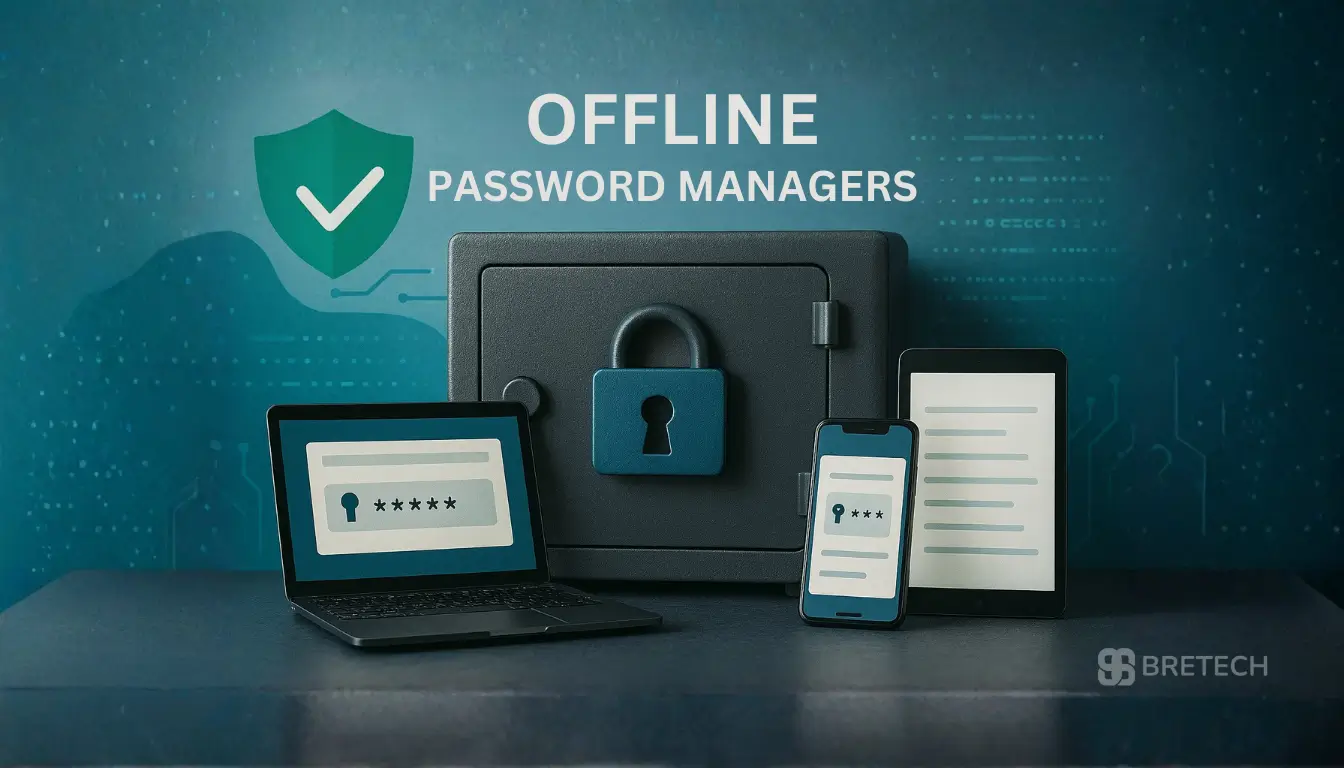
Best offline password managers in 2026 means keeping your password vault locally on your device so you can access your passwords even in offline mode. If you worry about a data breach, weak online security or password managers that rely too much on the cloud, an offline password manager can feel like a safer, calmer choice.
Instead of trusting every password to online password managers, you keep a fully offline password database on one device or a small set of devices you control. With the right security features and a good master password, you can upgrade your overall password management without always staying connected to the internet.
This guide explains how offline password managers work, what offline features actually matter, and which top offline password managers are worth looking at in 2026.
Best Offline Password Managers in 2026 at a Glance
| Password Manager | Type | Offline Storage / Access | Best For |
|---|---|---|---|
| KeePass | Free & Open-Source | Fully offline by design; encrypted database stored locally. | Tech-savvy users who want maximum control and privacy without cost. |
| Sticky Password | Freemium | Local vault with optional Wi-Fi or cloud sync. | Users who want a user-friendly manager that works offline but offers easy sync as a bonus. |
| Bitwarden | Freemium & Open-Source | Self-host or use its official “Offline Mode” with a locally cached vault. | Those who want the flexibility of a top-tier cloud manager with reliable, built-in offline access. |
| 1Password | Premium | Robust offline mode caches your vault on all trusted devices. | Users willing to pay for a premium experience that seamlessly combines online sync and reliable offline access. |
| Enpass | Freemium | Entirely local vault; uses your own cloud (iCloud, Dropbox) for sync if desired. | Users who want a fully local vault with the convenience of cross-device sync on their own terms. |
| Google Password Manager | Free (Built-in) | Limited offline access to recently used passwords in Chrome/Android. | Casual users already deep in the Google ecosystem who need minimal, basic password management. |
| Keeper | Premium | Provides offline access to a cached version of your vault on mobile and desktop. | Security-focused users who need high-assurance features and reliable offline capability on the go. |
Quick Overview
Before diving into details, here is the basic idea:
- An offline password managers stores your passwords locally on your device.
- You get offline access to your password vault, even with no Wi-Fi or mobile data.
- Many password managers offer a free plan or free trials so you can test offline functionality.
- The best offline password managers balance strong security features with simple, basic password management you can actually use every day.
If you want to avoid constant sync with remote servers and still enjoy secure password generation and strong password storage, an offline solution is a good password management choice.
What Is an Offline Password Manager and How Does It Work?
How Offline Password Managers Store Passwords Locally
The best offline password managers stores your encrypted vault locally on your laptop, desktop, or phone so your credentials stay under your control and are not sent to remote servers.
Unlocking the local vault with a master password lets you generate, access, and update passwords all on-device, reducing exposure if a third-party service is compromised.
Offline Access vs Offline Mode in Password Management
Some password managers are fully offline, storing data only on your device, while others are cloud-based with an offline mode that allows limited local access; understand this distinction when choosing a solution.
When comparing options for the best offline password managers, check whether it uses only local storage or is a hybrid that combines online features with an offline mode and evaluate the security implications accordingly.
Who Should Use a Fully Offline Password Manager in 2026?
When a Fully Offline Password Manager Makes Sense
The best offline password managers in 2026 is ideal for users who distrust remote servers, travel with poor internet, or prefer simple, local storage and basic management on a single device.
Because it avoids cloud dependencies, the best offline password managers reduces exposure to cloud-side breaches; choosing one with strong local encryption and easy backup options ensures both security and usability.
Typical Users Who Need Reliable Offline Password Access
Users in areas with unstable internet, people who manage passwords on a single main device, and anyone who prefers offline storage benefit from reliable offline access; consider the best offline password manager for these needs.
If this sounds like you, focusing on offline functionality rather than advanced online features like dark web monitoring might be the right move.
Key Offline Features and Security Features to Look For
Local Password Vaults, Encryption and Zero-Knowledge Design
Any secure password manager—online or offline—should use strong encryption for the password vault; for the best offline password manager, ensure an encrypted password database stored locally on your device, a strong master password known only to you, and a design where the provider cannot read your secure password data.
This type of offline storage keeps your password database protected even if your device is lost or stolen, making an offline solution a robust choice for sensitive credential storage.
Offline Features That Matter in Daily Use
For the best offline password manager look for full offline access to all entries, clear backup and restore options for local data, and reliable use offline for long periods without sync issues.
When vendors say “offers offline access” or “offline capabilities,” verify whether that means entirely offline operation or just a temporary offline mode before choosing the best offline password manager for your needs.
Password Generator and Basic Password Management Tools
Even an offline password manager should not feel basic or limited; look for a built-in password generator, password health checks or simple strength indicators, and secure password sharing options for a small number of trusted contacts.
These features help you move from basic password habits to more advanced, secure password management without extra effort, making it easier to choose the best offline password manager.
Free Password Manager vs Paid Offline Tools
When a Free Version or Free Trials Are Enough
A free password manager with offline functionality can be a good starting point, offering local password storage, basic password generation, and support for a single device.
Some premium password managers also provide 14-day or 30-day free trials so you can test their offline features before subscribing.
Limits of the Best Free Password Managers in Offline Mode
Even the best free password managers usually have limits: you may only store offline data on one device, secure password sharing may be restricted, and some advanced security features can be locked behind a premium tier.
A completely free, open-source solution can offer more control and privacy as the best offline password manager, but it may require extra setup and some technical familiarity.
How to Test Offline Functionality Before You Commit
Before you choose the best offline password manager, turn off your internet to confirm you can still access your passwords and test the built-in password generator while offline.
Also confirm the manager that supports offline storage can restore a backup; this simple test shows whether the tool’s offline capabilities match its marketing.
7 Best Offline Password Managers in 2026
In this section you will see 7 best offline password managers that focus on offline storage, reliable offline access and strong security features. These examples cover free and open-source tools as well as affordable password managers with premium plans.
1. KeePass: Free and Open-Source Password Manager Used Offline
KeePass is a classic open-source password manager designed to work entirely offline. It stores your password database locally on your device, and you control where backups go.
Key points:
- Free and open-source password management solution
- Password storage in an encrypted password database on your device
- Built-in password generator and basic password health indicators
Since offline storage is the default and there is no required online account, KeePass is one of the top offline password managers for users who want maximum control.
2. Sticky Password: Offline Password Manager with Sync Options
Sticky Password is a feature-rich password manager that offers offline access and can be used offline by default if you choose.
Highlights:
- Password vault stored locally, with optional cloud sync
- Good password generation and basic password health checks
- Free version for basic password management and a premium password manager tier for more features
If you want a secure password manager with both offline mode and optional online security extras, Sticky Password is a strong candidate.
3. Bitwarden: Open-Source Power with Official Offline Mode
Bitwarden is a leading open-source password manager that seamlessly blends cloud convenience with reliable offline access. Your vault is encrypted and cached locally on your devices, allowing full access even without an internet connection.
Key points:
- Free and open-source, with a powerful premium tier
- Official “Offline Mode” ensures access to your local vault copy
- For advanced users, self-hosting provides a completely cloud-free solution
- Strong password generator and security reports
Bitwarden is the ideal choice if you want the trustworthiness of open-source software without sacrificing user experience or cross-platform offline access.
4. 1Password: Premium Experience with Robust Offline Access
1Password is a top-tier premium password manager known for its security and design. It provides a dependable offline mode, caching your entire vault on trusted devices so your passwords are always available.
Highlights:
- Seamless offline access on desktop and mobile apps
- Advanced security features like Travel Mode to protect data at borders
- Intuitive interface with strong password generation and health checks
- Free trial available to test all features
Choose 1Password if you want a premium, user-friendly manager that guarantees access to your passwords, online or off.
5. Enpass: Local-First Vault with Your Sync Solution
Enpass is built on a “local-first” principle, storing your encrypted password database directly on your device. For syncing across devices, it uses your own cloud accounts (like iCloud, Google Drive, or Dropbox), giving you ultimate control.
Key features:
- Fully offline by default; the vault lives on your device
- Cross-platform support with a one-time purchase model
- No subscription required for desktop use; free mobile version with limitations
- Strong password generator and auto-fill capabilities
Enpass is perfect for users who want a fully local vault but appreciate the option to sync on their own terms using infrastructure they already trust.
6. Google Password Manager for Basic Password Management
Google Password Manager is not a fully offline password manager, but it provides basic password management with some offline behaviour in modern browsers and Android devices.
It is useful if you:
- Only need basic password storage for a small number of accounts
- Want to use the password manager built into Chrome or Android
- Are comfortable with your passwords being linked to a Google account
For many users, this is a starting point before moving to a more feature-rich password manager with offline capabilities.
7. Keeper: High-Security Focus with Reliable Offline Mode
Keeper is a security-focused premium manager that doesn’t compromise on offline access. It provides a securely cached version of your vault on your devices, ensuring you can log in even without a connection.
Highlights:
- Strong offline mode on both mobile and desktop applications
- Top-tier encryption and security features like dark web monitoring
- Free trial to evaluate its extensive feature set
- Excellent for families and businesses with robust sharing controls
Keeper is a strong candidate for security-conscious users and teams who need guaranteed access to passwords alongside enterprise-grade protection.
How to Choose the Best Offline Password Manager for Your Devices
Matching Offline Password Managers to Your Setup
When choosing a password manager in 2026, consider how many devices you use, whether you want your password database entirely offline or partly synced, and whether you prefer a free plan, a completely free tool, or an affordable paid option.
A fully offline password manager like KeePass is ideal for a single device, while users of multiple devices may prefer a hybrid manager that offers offline storage with optional sync.
Checking Security Features Without Losing Ease of Use
A secure password manager should be easy to use every day, with clear password strength indicators, simple backup options for offline data, and a straightforward way to access your passwords in offline mode.
A tool that feels too complex will be ignored and basic password habits will return; the best offline password manager for you is the one you will actually use.
Tips for Using an Offline Password Manager Safely
Creating a Strong Master Password
Your master password protects the entire password vault; for the best offline password manager use a strong, long, memorable password, avoid simple words or short dates, and consider a passphrase instead of a single word.
Choosing a solid master password is more important than small feature differences between many password managers, so prioritize secure practices when selecting the best offline password manager.
Backing Up Your Offline Password Vault
For the best offline password manager, keep at least one encrypted backup of your password database on a separate device or drive and ensure device security, and periodically test restoring the backup so the process works.
A reliable offline backup plan prevents a single hardware failure from locking you out and is essential when using any offline password manager.
Conclusion
If you want tighter control over your password storage and worry about constant cloud sync, the best offline password managers in 2026 is a smart upgrade. A secure password manager with strong offline functionality gives you:
- Local control of your password database
- Strong password generation and password health tools
- Offline access to critical accounts even without internet
Whether you choose a free version of a free and open-source solution like KeePass, a tool such as Sticky Password, or a premium password manager that supports offline mode, the important part is simple: use the password manager consistently, keep a strong master password, and treat your offline vault like the central key to your online security.
Further Reading
- Best Password Managers in 2026
- Password Manager vs Browser Passwords in 2026
- What Is a Password Manager and How Does It Work?
- Best Password Manager for Seniors in 2026
- Password manager buyer’s guide
- Online Dating Safety Checklist (2026)
If you want more posts like this, explore our Security, VPN & Privacy section.
FAQs
Q: What is the best offline password manager for 2026?
A: “Best” depends on your needs. For security and convenience, Bitwarden is a top choice. For maximum control at no cost, choose KeePass. For a premium experience, 1Password offers seamless offline access.
Q: How do offline password managers work on Android devices?
A: Android apps use system autofill, secure keyboards, or copy/paste and support biometric unlock with encrypted local vaults. Many offer offline mode with the master key kept on the device for added privacy.
Q: Are offline password managers reliable for long-term use?
A: They are reliable when using vetted encryption, secure key derivation, and integrity checks. Most offer trial tiers or free plans to test durability before committing to long-term use.
Q: Can Sticky Password protect me if I go fully offline?
A: Yes—when configured for local-only storage, Sticky Password protects you fully offline. Your database remains encrypted and accessible only via your master password or biometric authentication.
Q: What makes offline password managers different from cloud-only services?
A: Offline-first managers give you full control of the encrypted vault file and eliminate dependency on central servers. Cloud services offer auto-sync convenience, while offline tools prioritize privacy and a smaller attack surface.
Q: Do password managers offer free trials before purchasing?
A: Many offer 14-day or 30-day free trials for premium features, while others maintain useful free plans. Check if the trial supports offline use and core features like password sharing before subscribing.
Q: Are offline password managers safe compared to online services?
A: Yes—offline managers using strong encryption and secure key derivation are very safe and reduce server dependency. However, they shift backup responsibility to you, so maintain secure backups and device protections.
Q: How do I choose between 1Password, Sticky Password, and other top managers?
A: Decide by needed features: offline vaults, cross-device sync, platform support, and extras like security auditing. Compare pricing and trials to pick one balancing local control, usability, and reliable backup options.