Disclosure: We may earn a commission from links on this page. Learn more.
CCleaner Review 2026: Is It Safe, Still Good, and Worth Using on Windows?
CCleaner is still useful in 2026, but it is no longer a must-have tool for every Windows PC. It works best for basic junk cleanup, startup checks, and simple maintenance, while many Windows 11 users can manage light cleanup with built-in tools.
The real question is not only whether CCleaner works. The better question is whether CCleaner is safe, whether the paid version is worth the price, and whether features like Driver Updater, Software Updater, and scheduled cleaning are useful for your needs.
In this CCleaner review, I look at its free and paid features, safety concerns, performance limits, privacy points, and the type of Windows user who can still benefit from using it in 2026.
At a Glance: Is CCleaner Still Worth It?
| Question | Short Answer |
|---|---|
| Is CCleaner safe in 2026? | Yes, if downloaded from the official site and used carefully. Avoid aggressive registry cleaning. |
| Is CCleaner still good? | Yes, for basic cleanup, startup checks, and simple PC maintenance. |
| Is CCleaner worth paying for? | Only if you want automation, scheduled cleaning, Software Updater, Driver Updater, or extra bundled tools. |
| Is CCleaner needed for Windows 11? | Not always. Windows built-in tools are enough for many light users. |
| Best free alternative | Microsoft PC Manager is worth considering for simple Windows cleanup. |
| Best paid alternatives | Glary Utilities and Advanced SystemCare are stronger if you want a broader PC utility suite. |
How I Reviewed CCleaner
For this review, I checked CCleaner from the view of a normal Windows user, not an advanced technician. I focused on the questions people usually ask before installing it: is CCleaner safe, does it really improve PC speed, is the free version enough, and when does the paid version make sense?
I looked at its cleanup tools, startup management, Software Updater, Driver Updater, privacy concerns, registry cleaner risk, and how it compares with Windows built-in tools and other PC optimizers.
This review is written to help you decide whether CCleaner fits your real use case, not to make every user buy the paid version.
What CCleaner Does Well
CCleaner is still good at simple PC maintenance. It gives non-technical users one place to clean junk files, clear browser cache, check startup apps, and review basic system clutter.
It is most useful when your computer has not been cleaned for a long time, or when you want an easier interface than searching through many Windows settings.
Junk File Cleanup
CCleaner can remove temporary files, browser cache, recycle bin data, old logs, and other files that may take up storage space. This is its strongest and safest use.
It will not magically turn an old slow laptop into a fast new PC, but it can help remove clutter and free storage. For many users, that is enough.
For more manual cleanup help, you can also read how to remove leftover files after uninstalling software.
Startup App Management
Startup management is one of CCleaner’s more useful tools. Many slow PCs feel heavy because too many apps open in the background when Windows starts.
CCleaner makes it easier to review startup items and disable apps you do not need at boot. This can help startup time, especially on older Windows laptops.
Software Updater and Driver Updater
The paid editions include tools such as Software Updater and Driver Updater. These can be useful, but they should be used carefully.
Software updates are normally safer, especially for common apps. Driver updates need more care because the wrong driver can sometimes create display, audio, Wi-Fi, or printer issues.
My advice is simple: use Driver Updater only when you understand the suggested update, or when you are fixing a real driver-related problem.
What I Did Not Like
CCleaner is simple, but it is not perfect. Some features are useful, while others need caution.
Registry Cleaner Needs Care
The registry cleaner is the feature I would use most carefully. Windows registry changes can sometimes cause problems if the wrong item is removed.
For most home users, regular junk file cleanup and startup management are safer than registry cleaning. If you use the registry cleaner, make a backup first and do not remove items blindly.
Paid Plans Are Not Needed for Everyone
CCleaner Free is enough for many people who only want occasional cleanup. The paid plans are mainly for convenience, automation, scheduled cleaning, and extra tools.
If you already know how to use Windows Storage Sense, Task Manager startup controls, and built-in app uninstall options, you may not need to pay for CCleaner.
Privacy Settings Need Checking
Like many utility tools, CCleaner includes features that may run in the background or collect usage-related data depending on settings and version.
That does not automatically make it unsafe, but privacy-conscious users should check settings after installation and disable anything they do not need.
Is CCleaner Safe in 2026?
CCleaner is generally safe if you download it from the official website, keep it updated, and use it carefully. The main safety concerns are not basic junk cleanup. The bigger concerns are registry cleaning, driver updates, privacy settings, and downloading fake installers from unsafe websites.
| Safety Area | Best Practice |
|---|---|
| Download source | Use only the official CCleaner website |
| Registry cleaner | Avoid aggressive cleaning and make a backup first |
| Driver updater | Review suggested drivers carefully |
| Privacy settings | Check monitoring and background settings |
| Paid licence | Use a genuine licence, not cracked software |
CCleaner also has a history of past trust concerns, so it is fair that some users still ask whether it is safe. In 2026, I would not avoid CCleaner completely because of old issues, but I would use it carefully and only install it from the official source.
CCleaner Free vs Paid Editions
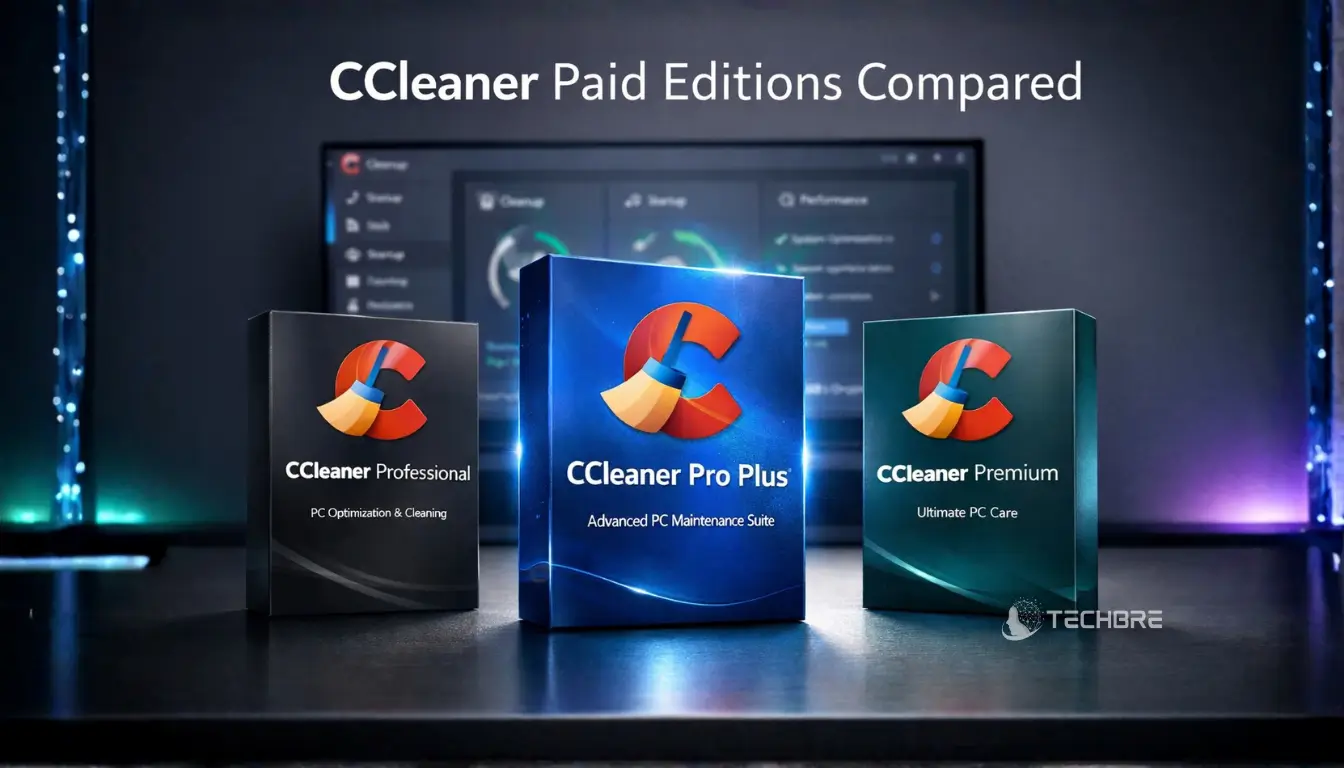
CCleaner offers a free version and paid editions. The free version is best for simple manual cleanup. The paid editions are better for users who want more automation and extra maintenance tools.
| Edition | Best For |
|---|---|
| CCleaner Free | Basic manual cleanup and startup checks |
| CCleaner Professional | Users who want scheduled cleaning, monitoring, Software Updater, and Driver Updater |
| CCleaner Pro Plus | Users who want extra bundled tools beyond the main cleaner |
| CCleaner Premium | Users who want the broadest bundle with privacy and cross-device extras |
For most users, CCleaner Free or Professional is enough. Pro Plus makes sense if you know you want the extra bundled tools. Premium is less necessary if you only want a Windows cleanup utility.
If you already use your existing CCleaner offer link, place it in this section, not at the very top of the article. This keeps the review more helpful and less sales-focused.
If you want to buy a genuine CCleaner licence, you can compare CCleaner licences in Pakistan on BreTech with PKR pricing, local payment options, digital delivery, and activation support.
Does CCleaner Really Improve PC Speed?
CCleaner can help your PC feel cleaner, but it is not a full performance fix.
The biggest benefit usually comes from clearing junk files, reducing startup apps, and removing old software. These changes may improve boot time and free storage, especially on older laptops.
However, CCleaner will not fix every slow PC problem. If your computer is slow because of low RAM, an old hard drive, malware, heavy background apps, or Windows system issues, a cleaner app alone will not solve everything.
For a wider Windows cleanup checklist, read how to optimize your Windows 11 PC.
CCleaner Alternatives Worth Considering
CCleaner is still a good simple cleaner, but it is not the only option. The best alternative depends on what you want.
Microsoft PC Manager is a good free option for basic Windows cleanup. It is simpler than CCleaner and may suit users who prefer a first-party Microsoft-style tool.
Glary Utilities is better if you want more tools in one package. It includes a wider set of cleanup, repair, and maintenance utilities. You can compare both tools in CCleaner vs Glary Utilities or read the full Glary Utilities review.
Advanced SystemCare is another option for users who want a broader PC optimization suite. It may suit people who want more tuning features, but it can also feel heavier than CCleaner. You can read the IObit Advanced SystemCare review for more detail.
Who Should Use CCleaner?
CCleaner is a good fit if you want a simple tool for occasional Windows cleanup, startup checks, browser cache cleanup, and basic maintenance.
It is especially useful for:
- home users who want an easy cleaner
- older laptops with storage clutter
- users who do not want to open many Windows settings
- people who want scheduled cleanup in a paid plan
- users who prefer one simple dashboard for maintenance
CCleaner is not the best choice if you expect a big speed boost, want deep system repair, or already manage cleanup manually with Windows tools.
Final Verdict: Is CCleaner Still Worth Using?
CCleaner is still worth using in 2026 if you treat it as a simple Windows cleanup and maintenance tool. It is good for junk file cleanup, startup checks, and basic system tidying, but it should not be seen as a magic PC speed booster.
The free version is enough for many users. CCleaner Professional is worth considering if you want automation, scheduled cleaning, Software Updater, and Driver Updater. Pro Plus and Premium only make sense if you need the extra bundled tools.
My advice is to use CCleaner carefully, avoid aggressive registry cleaning, check privacy settings, and compare free Windows tools before paying. For everyday users who want a simple cleaner, CCleaner is still useful. For advanced users, it may not be essential.
Further Reading
- Free Optimization Software 2026
- Best PC Optimizer Software
- Common Mistakes When Using PC Optimizers
- Force Uninstall Programs
- How to Remove Windows 11 Bloatware
FAQs
Q: Is CCleaner safe to use in 2026?
A: CCleaner is generally safe if you download it from the official website, keep it updated, and use the risky tools carefully. The registry cleaner and driver updater need more caution than basic junk cleanup.
Q: Is CCleaner still good?
A: Yes, CCleaner is still good for basic junk cleanup, startup checks, and simple PC maintenance. It is not essential for every Windows PC, especially if you already use Windows built-in cleanup tools.
Q: Is CCleaner worth paying for?
A: CCleaner is worth paying for only if you want automation, scheduled cleaning, Software Updater, Driver Updater, and extra convenience. If you only clean your PC occasionally, the free version may be enough.
Q: Does CCleaner make a computer faster?
A: CCleaner can make some PCs feel cleaner by removing junk files and reducing startup clutter. It will not fix deeper speed problems caused by old hardware, low RAM, malware, or heavy apps.
Q: What is the best CCleaner alternative?
A: Microsoft PC Manager is a good free alternative for simple cleanup. Glary Utilities and Advanced SystemCare are better if you want a wider set of PC maintenance tools.