
Disclosure: We may earn a commission from links on this page. Learn more.
How to Organize Coupons Effectively in 2026: Simple Coupon Organizer System
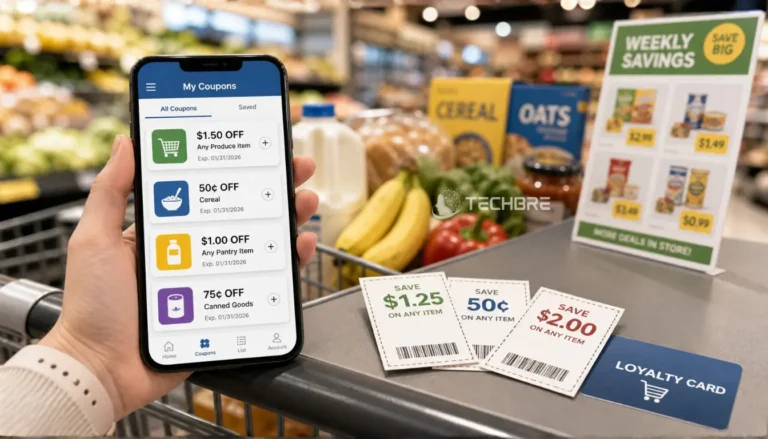
Many people collect coupons but still miss savings because offers expire, stay buried in email, or are forgotten during checkout. To organize coupons effectively in 2026, keep every coupon, promo code, loyalty offer, and expiry date in one simple place you can check before shopping.
A better way is to build a simple coupon organizer system that works for both online shopping and local store visits. Sort coupons by store, category, and expiration date, then keep digital promo codes in one notes app, spreadsheet, or coupon database.
Keep only coupons you may actually use, remove expired offers weekly, and check your list before every shopping trip or online order. This guide shows how to organize paper coupons, digital promo codes, loyalty offers, and expiration dates in a system you can actually use.
Key Takeaways
- The best way to organize coupons in 2026 is to keep paper coupons, digital promo codes, loyalty offers, and expiration dates in one simple system.
- Sort coupons by store, category, and expiration date so you can find the right offer before checkout.
- Use a small organizer, binder, notes app, spreadsheet, or coupon database depending on how many coupons you manage.
- Keep only coupons you may actually use, and remove expired offers every week.
- Check your coupon list before every shopping trip or online checkout so useful codes do not get forgotten.
How to Organize Coupons Effectively Without a Messy System
Most couponing systems become messy because coupons are saved in too many places. Paper coupons stay in drawers, promo codes sit in emails, loyalty card offers stay inside apps, and screenshots get lost before checkout.
Another problem is saving every coupon without checking whether you will actually use it. When your organizer is full of old, weak, or unrelated offers, it becomes harder to find the coupons that can really help you save.
The simple fix is to sort coupons by store, category, and expiration date. Keep digital codes in one coupon database or notes app, and remove expired coupons every week before your next shopping trip.
Sort Coupons Before You Shop
Before you use coupons, sort them into a small system you can check quickly. This saves time and helps you avoid missing a useful coupon during checkout or a shopping trip.
Sort Coupons by Store, Category, and Expiration Date
Start by sorting coupons by store first. Keep grocery, pharmacy, fashion, tech, travel, and software offers in separate groups so you do not waste time searching through unrelated deals.
After that, sort each group by category and expiration date. Put soon-to-expire coupons near the front so you can use them first and remove expired coupons before they make your organizer messy.
Separate Paper Coupons, Promo Codes, and Digital Offers
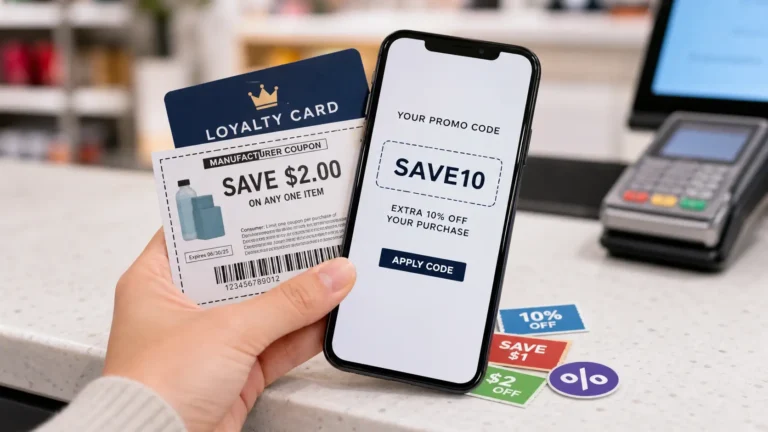
Paper coupons should stay in a small organizer, envelope, or binder. This works well for printed coupons, local store offers, and coupons you may need to show during a shopping trip.
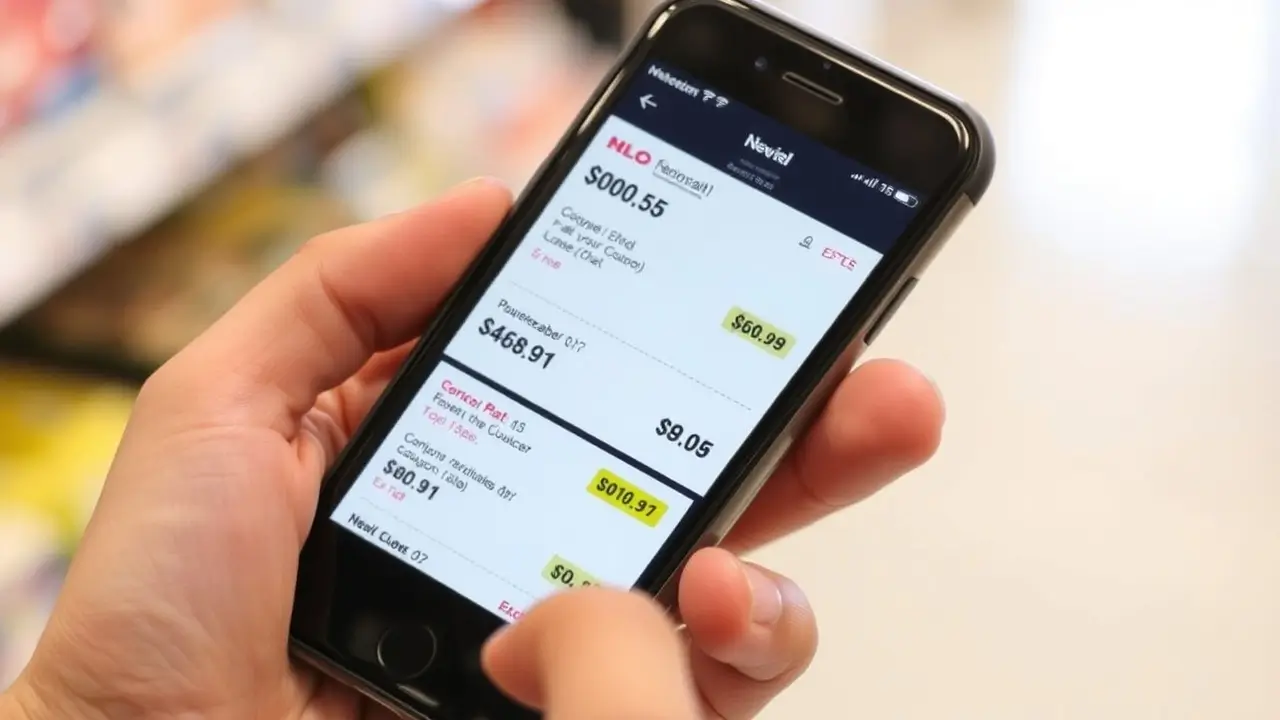
Digital offers need a separate place. Save promo codes, cashback offers, loyalty card deals, and online shopping coupons in a notes app, spreadsheet, or coupon database so you can find them before checkout.
Choose the Right Coupon Organizer System
The best coupon organizer is the one you will actually use. Do not choose a complicated system if a simple folder, binder, or spreadsheet can do the job.
| Coupon System | Best For | Main Benefit |
|---|---|---|
| Small organizer | Casual shoppers | Easy to carry and check in-store |
| Coupon binder | Regular coupon users | Keeps many paper coupons visible |
| Spreadsheet | Online shoppers | Tracks promo codes, expiry dates, and sources |
| Notes app | Beginners | Simple way to save codes quickly |
| Store apps | Loyalty users | Keeps member-only offers easy to find |
Simple Coupon Organizer for Casual Shoppers
A small coupon organizer is enough if you use only a few coupons each month. You can use an accordion organizer, envelope wallet, or small folder with dividers for store names and basic categories.
This method is easy for beginners because it keeps coupons visible and quick to check. It is best for shoppers who want a simple way to save without spending too much time on couponing.
Coupon Binder for Regular Couponing
A coupon binder is better if you use a lot of coupons or shop at many stores. You can use dividers for categories like grocery, personal care, paper goods, household items, tech, and online deals.
Some regular couponers use baseball card sleeves inside a ring binder to keep printable coupons neat. This makes every coupon easier to see, especially when you need to find a coupon for each item on your shopping list.
Coupon Database or Spreadsheet for Digital Coupons
A coupon database is useful for online shopping because it keeps promo codes, store coupons, expiration dates, and discount details in one place. You can build it in Excel, Google Sheets, Notion, or a simple notes app.
Add columns for store name, coupon code, discount, category, expiration date, source, and status. This helps you avoid expired coupons and quickly check which codes are still useful before checkout.
Create Simple Coupon Organizer Categories
Good coupon categories make your organizer easier to use. Keep the groups simple, so you can find the right coupon before shopping or checkout.
Grocery, Tech, Fashion, Travel, and Software Coupons
Start with broad categories that match how you shop. Grocery coupons can include food, personal care, paper goods, and household items, while tech and software coupons can include apps, tools, subscriptions, and digital products.
Fashion and travel coupons should stay in separate sections because they are often seasonal. This makes it easier to compare offers before your next purchase instead of searching through many coupons at the last minute.
Store Coupon, Promo Code, Cashback, and Loyalty Card Offers
Do not mix every offer in one place. A store coupon, promo code, cashback offer, and loyalty card deal may all work differently at checkout.
Keep a small note beside each offer explaining how it works. For example, write whether it needs a code, a store account, a loyalty card, or a cashback app before payment.
Expired Coupons and Soon-to-Expire Deals
Create one small section for soon-to-expire deals. This helps you use important coupons first before they become useless.
Remove expired coupons every week. Keeping old offers in your organizer makes couponing slower and can cause confusion during checkout.
Organize Loyalty Cards, Store Apps, and Browser Extensions
Modern couponing is not only about paper coupons. Many useful offers now come through store apps, loyalty cards, email codes, deal pages, and browser extensions.
Keep Loyalty Cards and Store Apps Easy to Find
Save your loyalty cards in your phone wallet, store apps, or one clear folder on your mobile. This helps you avoid searching for cards while standing at checkout.
For store apps, turn on only useful notifications. Too many alerts can make you ignore good offers, so keep the apps you actually use and remove the ones you do not need.
Save Promo Codes From Email, SMS, and Trusted Deal Pages
Promo codes often arrive through email, SMS, newsletters, and trusted deal pages. Save useful codes in your coupon database instead of leaving them inside your inbox.
Save each useful promo code with the store name, code, discount details, source, and expiration date. This makes your coupon list easier to check before buying and stops useful offers from getting lost in emails or screenshots.
Use Browser Extensions Carefully Before Checkout
Browser extensions can help test promo codes, but you should still check the final price yourself. Some codes may be expired, region-limited, or not valid for the product you want.
Before checkout, compare the extension result with your saved coupon list. This helps you avoid using a weaker code when a better offer is already saved in your organizer.
Make a Shopping List Before You Use Coupons
A shopping list keeps couponing practical. Instead of buying something only because you found a coupon, start with what you already need.
Match Coupons With Your Weekly Shopping List
Make your grocery list, tech list, or online shopping list first. Then check your coupon organizer, coupon database, store apps, and saved promo codes to see which offers match those items.
This helps you use coupons in a smarter way. You avoid buying extra products only for a discount, and you focus on real savings from items you were already planning to buy.
Check Coupon Rules Before You Stack Discounts
Before using more than one discount, check the coupon rules. Some stores allow a store coupon, manufacturer coupon, loyalty card offer, or cashback deal together, while others allow only one code at checkout.
Also check the expiration date, minimum order value, product limits, and location rules. This prevents failed codes and helps you avoid wasting time at the final payment step.
Use CouponBre and BreTech to Check Deals Before Checkout
A good coupon organizer is not only for saving codes you already have. It should also help you know where to check before you buy something online.
You can use CouponBre for general coupon browsing. For software coupons, app discounts, security tools, productivity programs, and creative software offers, you can also check BreTech’s software coupon stores and software offer categories.
Find General Coupons on CouponBre
CouponBre is useful when you want to browse general coupons, promo codes, discounts, and shopping deals across different categories.
When you find a useful offer, save it in your coupon database with the store name, code, discount details, source, and expiration date. This makes the offer easier to find later instead of searching again at the last minute.
Check BreTech Software Coupon Stores
For software coupons and digital product offers, you can check the BreTech software coupon stores before making a purchase.
This is helpful when you want to compare available software offers by store or brand. Save any useful deal page in your software coupon category so it stays separate from grocery, fashion, travel, and household coupons.
Browse BreTech Software Offer Categories
If you already know the type of software you need, such as antivirus software, productivity tools, file utilities, backup tools, VPNs, or creative apps, the BreTech software offer categories can help you browse deals by topic.
This keeps your coupon system more organized. Instead of saving every random code, you can save only the software coupons and deal pages that match your real shopping needs.
Build a Weekly Couponing Routine
A weekly routine keeps your coupon organizer clean and useful. You do not need to check coupons every day, but one short review each week can save time and stop good offers from expiring.
Use this simple weekly checklist:
- Remove expired coupons and old promo codes.
- Add new coupons you may actually use.
- Mark used codes so you do not try them again.
- Move soon-to-expire offers near the top.
- Check saved deal sources before your next planned purchase.
Why: this is the best place for bullets because it gives readers an easy action
Review New Coupons and Promo Codes Once a Week
Choose one day each week to review new coupons, promo codes, loyalty card offers, and trusted deal pages. Add only the offers you may actually use to your organizer or coupon database.
This keeps couponing simple. Instead of saving every coupon, you collect the useful ones and ignore weak offers that do not match your shopping needs.
Check Your Coupon Organizer Before Each Shopping Trip
Before a shopping trip, quickly check your organizer against your shopping list. Look for coupons that match groceries, personal care items, tech products, software, travel, or fashion purchases.
For online shopping, check your saved promo codes before checkout. This helps you use your coupons at the right time instead of remembering them after payment.
Remove Expired Coupons and Old Codes Regularly
Expired coupons make your system slower and harder to trust. Remove old paper coupons, expired promo codes, and finished loyalty card offers at least once a week.
Also mark used codes in your spreadsheet or notes app. This keeps your coupon organizer fresh, saves time, and helps you focus only on offers that can still work.
Common Coupon Organization Mistakes to Avoid
The biggest mistake is saving too many coupons without a real plan. If you keep every coupon, your organizer becomes full of expired, weak, or unrelated offers, and you waste time finding the ones you actually need.
Another mistake is checking coupons only at the last minute. A better habit is to review expiry dates, store rules, and saved promo codes before your shopping trip or checkout, so you do not miss a useful discount.
Best Coupon Organizer Method for Different Shoppers
The best coupon system depends on how often you shop and what type of coupons you use. Start with the simplest method that fits your routine.
| Shopper Type | Best Method | Why It Works |
|---|---|---|
| Casual shopper | Small organizer or notes app | Easy to check before shopping |
| Online shopper | Spreadsheet or coupon database | Tracks promo codes, sources, and expiration dates |
| Grocery shopper | Binder or envelope system | Keeps paper coupons sorted by aisle or category |
| Loyalty app user | Phone folder and store apps | Keeps loyalty offers easy to find |
| Software buyer | Separate software coupon list | Keeps software deals away from general shopping coupons |
Do not build a system that is bigger than your real shopping habits. A simple coupon list that you check every week is better than a large organizer you never open.
Conclusion: Keep Your Coupon System Simple and Useful
The best coupon system is not the biggest one. It is the one you can check quickly before a shopping trip or online checkout.
Keep your coupons sorted by store, category, and expiration date. Remove expired coupons every week so your organizer stays clean and easy to trust.
Start simple and keep digital codes in one clear place. When your coupon organizer is easy to use, saving money with coupons becomes faster, cleaner, and less stressful.
FAQs
Q: How do I organize my coupons if I am just getting started couponing?
A: Start with a simple system. Keep paper coupons in one organizer or envelope, save digital promo codes in a notes app or spreadsheet, and sort everything by store, category, and expiration date.
Q: Should I clip coupons before making a shopping list?
A: It is better to make a shopping list first, then clip coupons that match the items you already need. This helps you avoid buying extra products only because you found a discount.
Q: Is a coupon binder better than a small coupon organizer?
A: A small coupon organizer is best for casual shoppers. A coupon binder is better if you use a lot of coupons, shop at many stores, or want separate slots for grocery, personal care, tech, fashion, and household offers.
Q: Can I use a photo album or baseball card sleeves for coupons?
A: Yes, some couponers use a photo album, card stock dividers, or baseball card sleeves inside a binder. This keeps every coupon visible and makes it easier to find the right coupon quickly.
Q: How do I use coupons and store loyalty offers together?
A: First, check the store’s coupon policy. Some stores allow store coupons, manufacturer coupons, rebate offers, and store loyalty discounts together, while others allow only one discount at checkout.
Q: What coupons should I keep and what coupons should I remove?
A: Keep only the coupons you need or may realistically use soon. Remove expired coupons, weak offers, duplicate codes, and coupons for products you do not buy.
Q: Can I organize coupons using Excel?
A: Yes. Using Excel or Google Sheets is a good way to organize digital coupons. You can track the store name, coupon code, discount, expiration date, category, and whether the coupon has been used.
Q: How can I maximize savings at local grocery stores or dollar stores?
A: Match coupons with your shopping list, check expiration dates before leaving home, and compare store loyalty offers before checkout. For items like shampoo, paper goods, and personal care products, small discounts can add up when used carefully.
Further Reading
- Best Holiday SaaS Deals
- Best Video Editing Software Deals (2026)
- Best Black Friday Deals
- How to Get Grocery Coupons in 2026
- Extreme Couponing Apps and Websites in 2026
- Extreme Couponing for Beginners in 2026
- Coupon Stacking Rules in 2026
Read more guides in the Deals & Coupons section.